


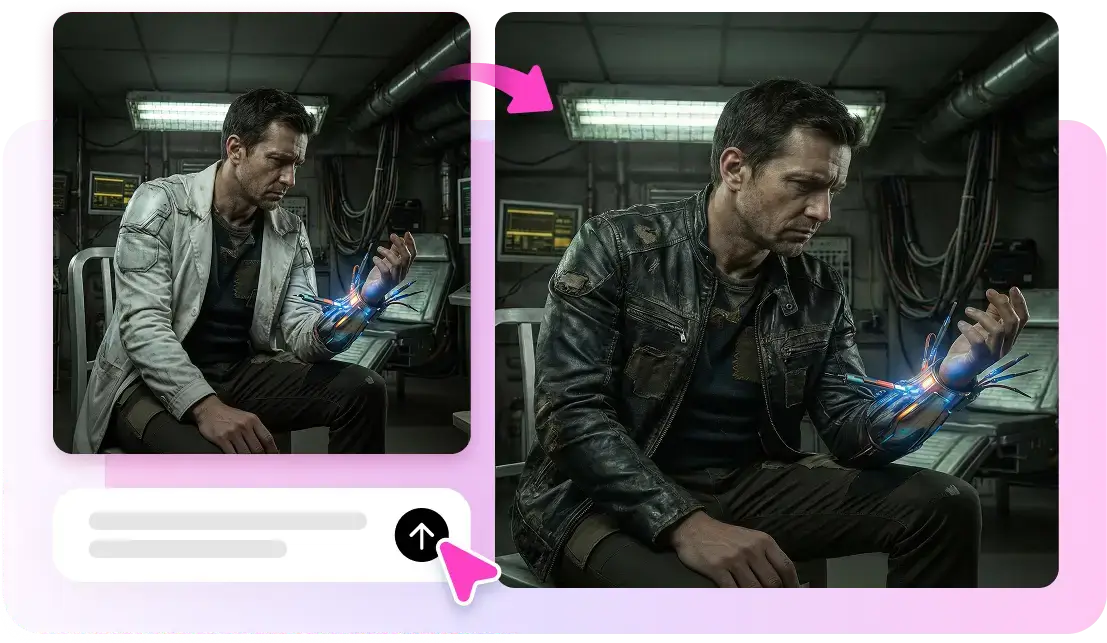
Prompt accuracy is a crucial factor in today’s AI image generation world. If instructions are not captured in visual products, it can be an issue for creative professionals. Delays, errors, and revisions may occur when the prompts provided are incorrect. The problems are addressed by advanced image generation models, which offer a more comprehensive grasp of language and superior visual mapping. Pippit offers precise modeling at your fingertips and provides access to advanced models and editing tools all in one creative space.
Why AI Product Photography Is Reshaping Content Creation
Prompt fidelity is the precision of the image that is being generated by the AI in response to the user’s prompt. High fidelity provides a strong connection between prompts and visual products. Correct adherence to instructions is necessary to preserve the creative intent during the production process. This also saves time and boosts prompt fidelity as there are fewer corrections required on the images produced. This yields stable outcomes, which helps productivity and enables creators to concentrate on improving instead of making multiple generations. Prompt fidelity will continue to be important as AI image generation evolves and gets more sophisticated, ensuring reliable visual outputs.
How Seedream Generates Realistic Product Photography
With the advancement of image generation technology, prompt interpretation capability has greatly improved. Stable outputs, realistic lighting, and improved visual clarity were introduced with Seedream 3.0. Later versions included context and increased compliance with instruction. Version 4.0 enhanced object precision and creativity. Version 4.1 added more realism and fidelity of prompt to detailed requests. Version 4.5 introduced enhancements to scene composition management, style recognition, and consistency of details in complex images. These advancements enable creators to produce content that better matches their initial vision and minimizes generation mistakes and visual inconsistencies.

Creating Professional-Looking Product Scenes
The image generation speed and image quality are likely to be enhanced in the future. With enhanced speed, you can create professional content more efficiently, reducing waiting times. To improve the understanding of multilingual skills, it may help to facilitate the translation between languages and areas in a timely manner. It is also hoped that typography will be handled better in the case of a visual project based on text. A higher visual cohesion can result in higher consistency with topics, backgrounds, and scene elements. The promise of these envisioned improvements could also be a driver towards professional creative workflows and content creation on a massive scale. With the continued advancement of technologies like Seedance, which are pushing the limits of visual creation and creative automation, the overall AI industry is helping to drive innovation.
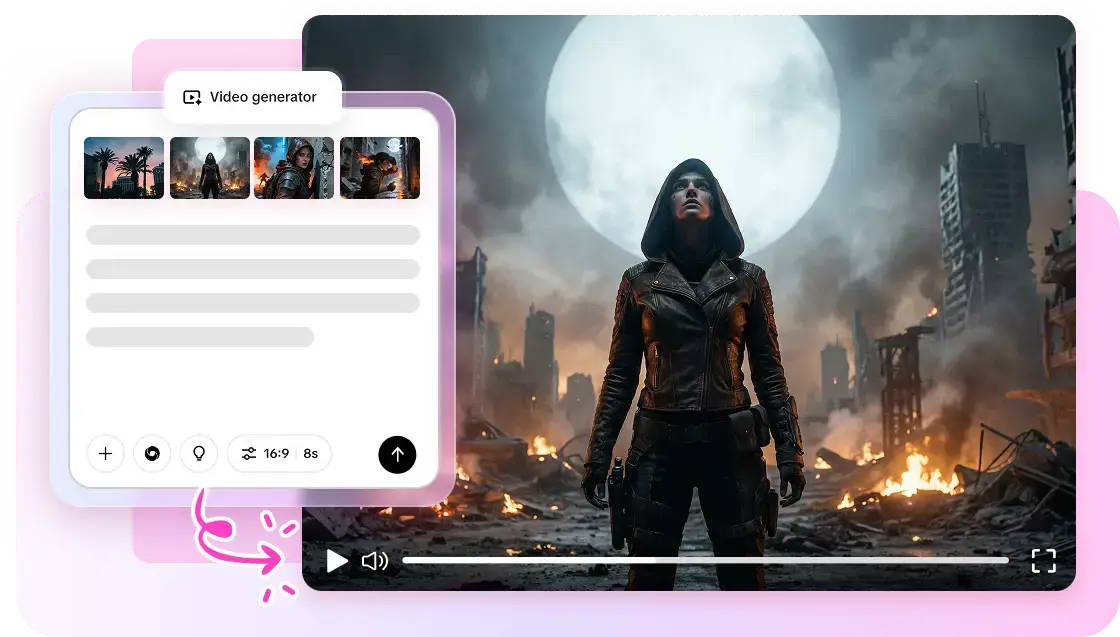
Steps to Create Realistic Product Photography Without a Camera Through Seedream
Creating professional product images with Seedream in Pippit is straightforward. Sign up through the button below and use the following guide:
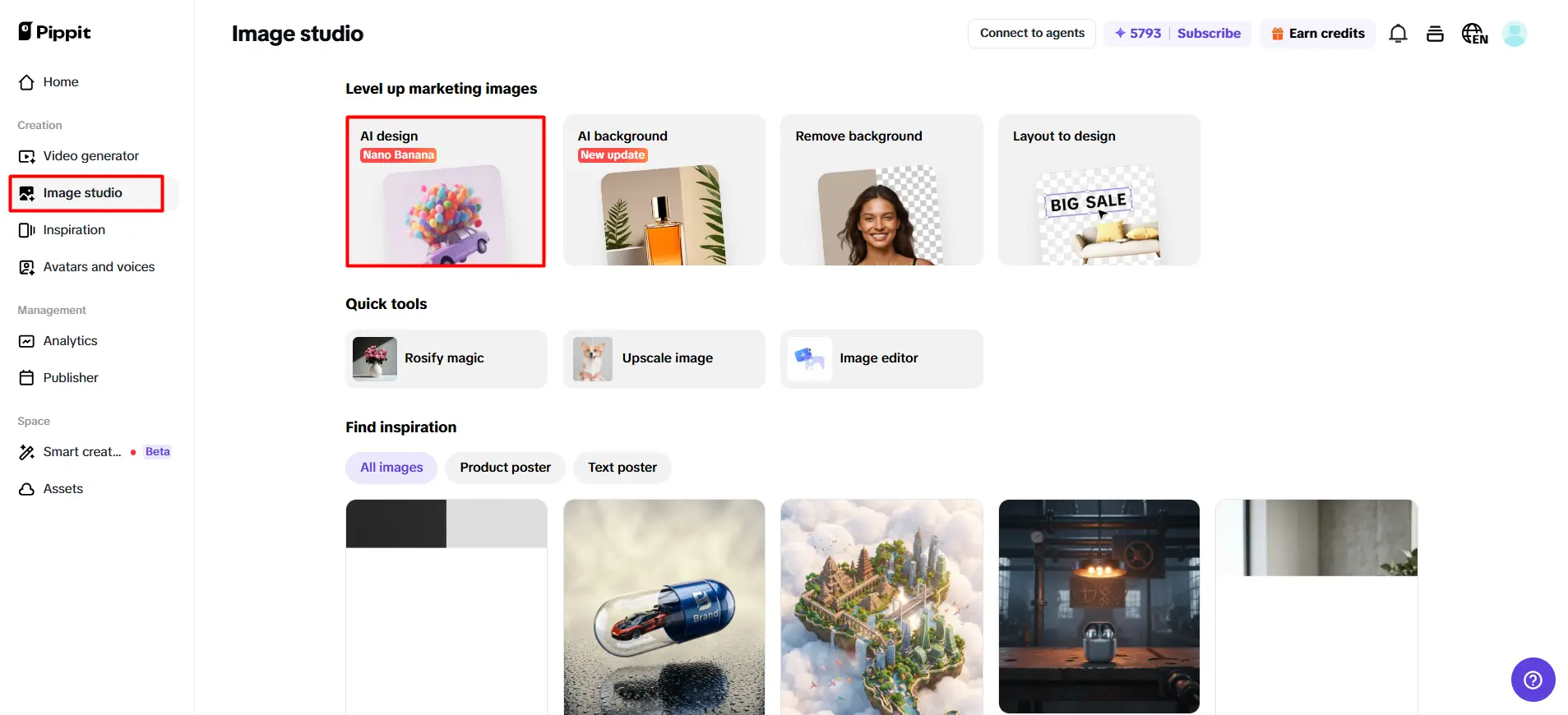
Step 1: Access the product image creator
-
At the main interface, click on the button “Image studio” to open the AI image creation platform.
-
After that, click the “AI design” feature to begin building product visuals.
-
The AI-powered models, including Seedream 4.0, Seedream 4.5, Seedream 5.0 lite, as well as GPT Image 2, are already integrated for image creation in this editor.
Step 2: Generate product-focused visuals
-
Type in your prompt and describe the product image you want to create.
-
Include details such as product style, lighting, colors, background setup, or branding elements.
-
Pick your resolution and aspect ratio for your generated image.
-
Once your settings are complete, click on the button “Generate.”
Step 3: Optimize and export
-
Preview all AI-powered photos that Pippit has created for you.
-
Select the product image that best fits your needs.
-
Feel free to use AI-powered editing tools, such as “Regenerate” and “Upscale image”.
-
You can also choose the “Convert to video” feature for diverse types of content formats.
-
Finally, click on the “Download” button to save your design.
Building Effective Product Photography Prompts
The superior prompt fidelity requires an advanced contextual understanding and accurate visual instruction mapping. AI can recognize the relationships between the different elements of a prompt and keep the images relevant to the topic by understanding the context of the prompt. Visual Instruction Mapping is a way to convert descriptive words into visual maps without leaving out any key details. In the modern models, it can be done simultaneously with style, composition, and characteristics of the subject. These attributes provide a greater level of consistency and control over the image direction and reduce the need for unwanted variability in the content created.
Visual Factors That Increase Product Realism
Detailed prompts are more effective as they offer clear instructions to image generation systems. The elements of good direction are: main subject, setting, atmosphere, lighting, and camera angles. The more the prompts are reduced, the less uncertainty and the more accurate the interpretation. Visuals generated are aligned with creative intent, with clear descriptions. Well-designed prompts also add cohesion between generations and can help ensure consistent outcomes for professional designs.
Product Photography Styles Supported by Seedream
AI-generated product photography supports numerous visual styles suitable for commercial applications:
-
Be clear about what is most important to see: minimize ambiguity (Subject clarity).
-
Environmental Context: Communicate the surrounding and scene elements for greater consistency of composition.
-
Stylistic Direction: Specify the style of the art/photographs to support visual alignment.
-
Lighting Instructions: Add atmosphere and lighting to add realism and mood control.
-
Color Preferences: Set up a prominent color scheme for aesthetic uniformity.
-
Creative Concept Display: Framing and Viewpoint Expectations for Composition Guidance to achieve a more accurate layout.
Enhancing Product Visuals Through Pippit
The built-in design environment of Pippit brings prompt-based creation to a new level by centralizing tasks for image generation and image editing. There are multiple versions of models within the same workflow on the platform – no unnecessary complexity. Rapid iteration allows creators to quickly experiment with ideas and test concepts without having to switch between tools to develop their concepts. The AI-powered editing features enable users to enhance, adjust details, and refine content after generation. The creation, editing, optimisation and export are all in the same environment, keeping workflow management streamlined and boosting the overall production efficiency.
Industries Benefiting From AI Product Photography
So many professional projects that need timely and accurate interpretation. Marketing creatives must have unified visuals that are in line with the campaign and the brand. Design, texture, and features are important for product visualizations. For editorial illustrations, it is helpful to accurately build scenes and tell a story. The concept art development is based on a true interpretation of creative ideas and visual direction. Also, it is essential to maintain consistency in the case of brand design assets across a number of deliverables. The high level of fidelity ensures that the visuals created meet the project’s goals without backlogs in production.
Conclusion
Further, with the advancement of image generation models, they will be more capable of comprehending prompts, mapping the images, and ensuring consistency. The more prompt fidelity, the fewer revisions, the more creative control, and the more predictable results on professional projects. Pippit takes the entire creation process easy by providing generation, editing, refinement, and export functions in one platform. This efficient process allows creators to generate accurate and high-quality visuals quickly, while staying true to their original creative vision.