

Al Ansari Exchange Cards make it easier than ever to manage your finances. You can always be aware of the balance of your Al Ansari PayPlus Card or loyalty/reward cards, whether you use a prepaid Al Ansari card, a loyalty/rewards card, or an Al Ansari PayPlus card.
This 2026 guide will show you how to check the Al Ansari account balance via mobile apps, websites, SMS, ATMs, and many other methods. Also, we will provide you with security tips and advice as well as FAQs and troubleshooting guides to ensure that your financial transactions are safe.
What is Al Ansari Balance Check?
Al Ansari Exchange, a major financial service provider in the UAE, offers a variety of cards to suit different needs.
- PayPlus Salary card: This is designed for UAE Wage Protection System employees, allowing direct deposit of monthly salary.
- Prepaid cards: for personal use and convenience.
- Customers who shop frequently and in retail stores can get a loyalty/reward card.
A balance check is simply a review of the funds available on your credit card. The balance check helps you keep track of your recent purchases, deposits and withdrawals.

Why is it important to check your Al Ansari balance
1. Salary Credit Confirmation
A balance check is required if you are receiving your pay via PayPlus card. This will ensure that the employer has deducted the correct amount according to the WPS.
2. Avoid Declined Transactions
By knowing your balance, you can avoid declined payments at retail outlets, ATMs or on online platforms.
3. Monitoring Spending
You can manage your budget more efficiently if you keep track of all withdrawals, transfers, and payments.
4. Detect Unauthorized Transactions
You can detect any fraudulent or unusual activity by regularly monitoring your account.
5. Maintain Financial Control
You can make better decisions about your spending when you have regular checks.
Al Ansari balance in UAE: Checking it is easy
Al Ansari Exchange provides several convenient and easy ways for users of all kinds to check their balances, including those who use feature phones or apps.
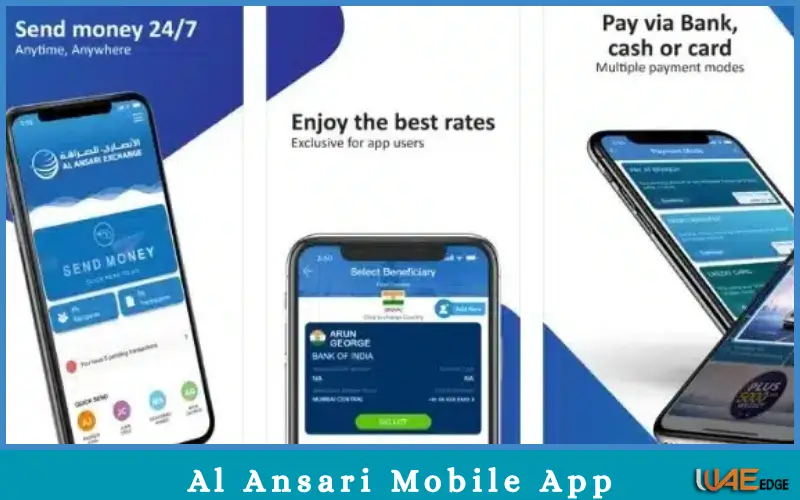
1. Al Ansari Mobile App
Al Ansari Mobile App – the official Al Ansari App – is the easiest way to check your balance.
Steps:
- You can download the Al Ansari Exchange App from Apple App Store or Google Play Store.
- Log in to the app using your registered credentials, UAE Pass, mobile number or UAE PASS.
- You can add your Al Ansari Card (PayPlus card, reward card, or prepaid card) to the account.
- Tap “View Balance” after selecting your card in “My Cards“.
- View your most recent transactions to get a full financial picture.
Advantages:
- Real-time notifications on withdrawals and deposits
- Receive notifications for transactions or salary depositions
- Secure platform for Financial Management
Pro tip: You can enable push notifications to receive instant alerts when money is deducted or credited from your credit card.
2. Al Ansari website: Check your balance
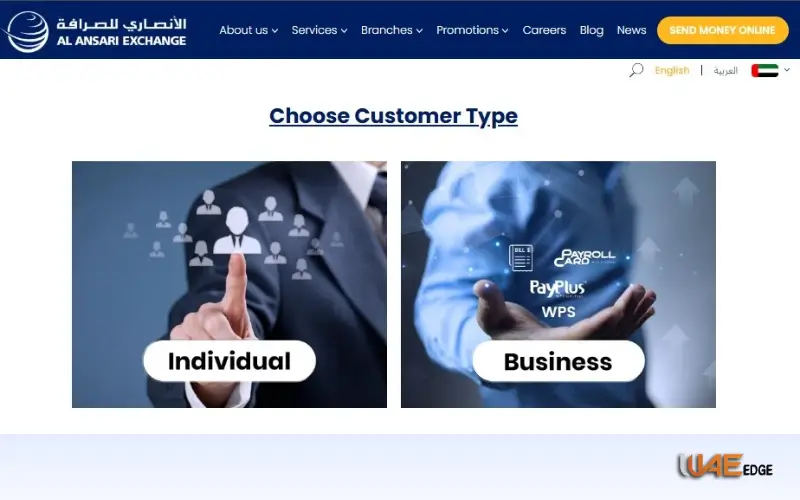
The official Al Ansari site is another option for users that prefer desktops or laptops.
Steps:
- Visit the official site: www.alansariexchange.com
- You can check your card balance by clicking on the “Salary Card Services”.
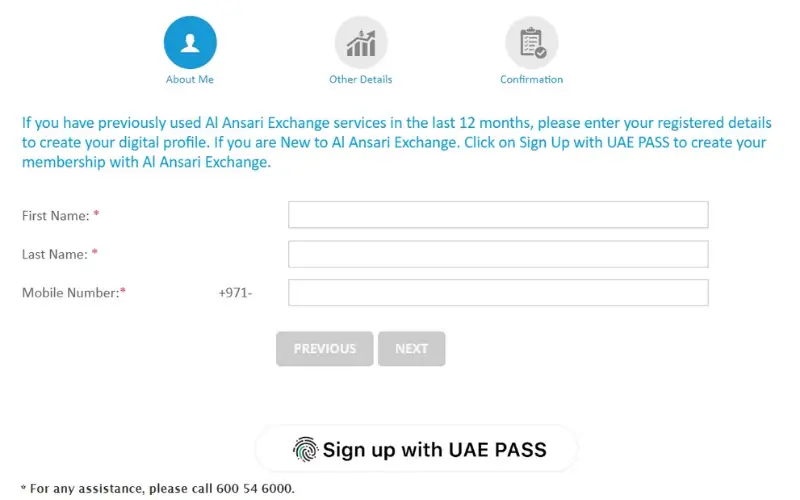
- Use your UAE PASS or credentials to log in.
- Click “Balance inquiry” and select the card that you wish to check.
Advantages:
- Ideal for home or office use
- Print your Transaction History
- Downloading an app is not required
To ensure that you are on Al Ansari’s official platform, always verify the URL of the site begins with “https ://“
3. Balance Check by SMS
Al Ansari offers a balance-checking SMS service for users who do not have smartphones or internet access.
Steps:
- You can send an SMS using the format BAL (last 4 digits on your card).
- You can find the Al Ansari number on your credit card.
- Your recent transactions and current balance will be shown in the reply.
Advantages:
- Compatible with all mobile phones, including basic feature phones
- No internet connection required
- Easy to use for mobile users
4. How to check your balance at an ATM
Check your balance using any Visa or Mastercard ATMs in UAE.
Steps:
- Al Ansari Card: Insert it into ATM.
- Enter your PIN.
- Click on “Balance Inquiry”.
- You can view your balance or print out a receipt.
Please note that some ATMs charge a fee to check your balance. Use Al Ansari or our partner banks to avoid any fees.
What could be wrong with your balance?
Your card balance can sometimes not be displayed correctly. Check the following:
1. Awaiting Salary or Deposit
Your salary may still be in the WPS process if it hasn’t yet been credited.
2. Tech Issues
Temporary display problems can be caused by app or website bugs. Log out, then back in again or try reinstalling your app.
3. Pending transactions
Your balance may be temporarily reduced by certain transactions such as fuel station purchases, hotel reservations, and online purchases.
4. Unauthorized Transactions
Contact Al Ansari customer support immediately if you see any unusual deductions. 600 54 6000.
5. Incorrect Card linkage
Verify that your card has been correctly registered on the app for mobile or in the online portal.
Security Tips for Your Al Ansari Card
To prevent fraudulent activity or unauthorized access, it is important to keep your card safe. Do not share PINs or card numbers
- Only use official applications and websites
- Monitor activity by enabling transaction alerts
- After checking your balance, you can log out.
- Use public Wi-Fi to avoid financial transactions
- Report lost or stolen cards as soon as possible
Follow these simple tips to keep your Al Ansari Card and cash safe.
Additional Services Available with your Al Ansari card
Al Ansari cards are more than a simple salary card. Additional services include:
- Send money to any branch or app.
- Use your balance to pay for utility bills, recharge mobile phones, or use online services.
- You can easily replace damaged or lost cards at any branch.
- You can download or print your statement for tracking HR, Visa, and personal information.
Al Ansari card management tips
- Verify your monthly salary by keeping a copy of the slip.
- You can monitor your balance in real time using the app.
- Avoid unnecessary ATM fees by using them wisely.
- Enable push and SMS notifications to be sent for transactional purposes.
- Do not share your OTP PIN or OTP with anyone.
Conclusion
It is easy to check your Al Ansari account balance. This can be crucial in maintaining financial stability. You can check your card, salary or prepaid fund balance using the Al Ansari mobile app, web, SMS or ATM.
You can avoid fraudulent transactions and declined payments by monitoring your account regularly. Al Ansari (PayPlus or loyalty card) keeps your finances and salary within easy reach. It’s convenient and safe. Al Ansari Balance Check:
- Secure methods such as the website or app are recommended.
- Keep informed and confident about your finances.
You Can Also Like:
Fab Balance Check
Etisalat Quick Pay Instant Bill Payment & Recharge Guide
How to Pay Etisalat Bill Online in UAE 2026 Guide
NBAD | Modern Banking in the UAE
FAQs
1. How can I get my Al Ansari Card balance?
The app and website allow you to check your balance for free. There may be a small fee charged by some ATMs.
2. When will my salary appear on PayPlus?
Salary information is usually available within 24 hours after the employer submits their WPS.
3. How can I track my account balance?
You can pay via SMS, ATM or both.
4. What do I do if the balance of my account is less than what I expected?
Contact Al Ansari Customer Support if you have any pending transactions.
5. Can I use my Al Ansari card abroad?
Visa/Mastercard is accepted at all ATMs. Some international transactions may be subject to small fees.
6. What is the best way to update my card number?
Update your contact information by visiting an Al Ansari Branch with your Emirates ID.
7. If I lose my PIN, what do I do?
Your PIN can be reset at any Al Ansari store or by contacting customer service.