


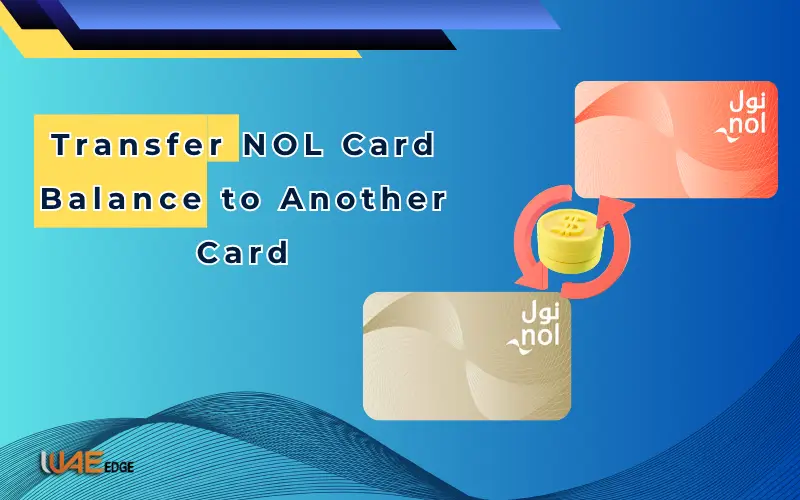
NOL Card allows you to travel with ease on the metro, water buses, trams and buses. The card can also be used to pay for parking and at select retailers. What happens when your card is lost or damaged? Or if you want to transfer your balance from one card to another because yours was damaged or lost?
Transferring your NOL Card Balance is easy. This guide will explain all of the transfer methods, costs, timeframes, and rules that are important for a smooth and safe transfer by 2026.
What is the NOL card?
The Roads and Transport Authority of Dubai (RTA) issues a NOL card, a smart contactless card. You can use it to pay for services like public transportation and other goods and services, without having to carry cash.
Types of NOL cards
| Card Type | Fee (AED) | Max Balance | Transfer Eligible | Validity | Registration | Use |
| Red Ticket | 2 | 500 | No | 90 days | No | 10 single trips, all public transport |
| Silver Card | 25 | 1000 | Yes | 5 years | Optional | All transport, select retail outlets |
| Gold Card | 25 | 1000 | Yes | 5 years | Optional | All transport, Gold Class included |
| Blue Card | 70 | 5000 | Yes | 5 years | Mandatory | All transport, retail outlets, extra benefits |
| Corporate Card | Varies | 5000 | Yes | 5 years | Company approval | Corporate travel |
Key Takeaways
- Registering cards allows you to transfer funds securely.
- The Personalized Cards (Blue/Corporate) provide additional safety and convenience.
- Red Tickets are not transferable; they can only be used once.
What is the deadline for transferring your NOL balance?
Transferring balance is possible in these situations:
- Loss or damage to card – Transfer remaining funds onto a new one.
- Upgrade Your Card: Transfer the balance of a Gold/Silver card to your Blue Card.
- Combining multiple cards – combine balances to make it easier.
- Replace an old card – transfer the remaining balance onto a new replacement card.
Transfers online and in person are only available for registered cards. Cards that are not registered or have expired cannot be transferred.
How to transfer NOL card balance
1. RTA website: Online shopping
Transferring balances online is easy and secure using the RTA’s website.
Steps:
- Visit the RTA website.
- Sign in using the account associated with your NOL-registered card.
- Click on “NOL Card Services”, then “Balance transfer”.
- Please enter your card number, both old and new.
- Confirm your transaction.
Processing Time: 1-3 business days
No Fee
2. RTA Mobile App
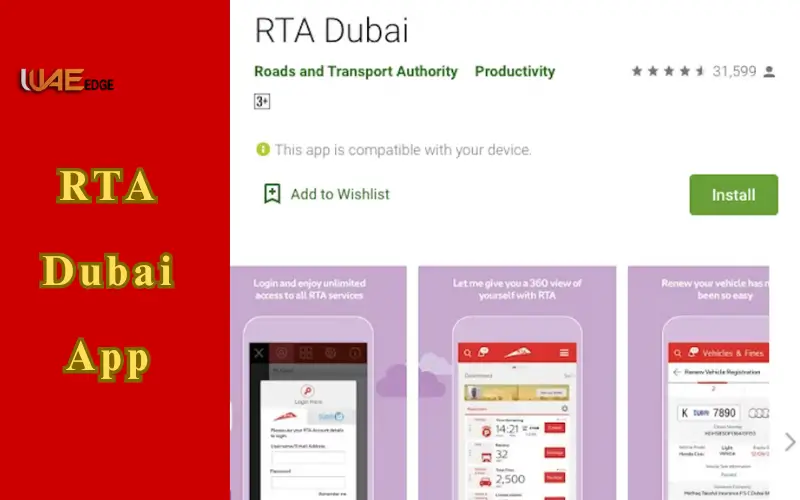
You can transfer your balance via the RTA Dubai App, Smart Dubai App.
Steps:
- Log in to the app by opening it.
- Click “NOL Card Services”, then “Transfer balance”.
- Please enter the card number and confirm.
- You will receive a confirmation email.
Processing Time: 1-3 business days
No Fee
The card must be linked with Emirates ID and registered.
Also Visit: How to Recharge NOL Card
3. RTA Customer Happiness Centers
For personal help, visit an RTA Customer Happiness Center. The staff will confirm your identity before transferring the balance.
Documents required:
- Emirates ID
- New and old NOL cards
- Register your mobile number
Process Time: Instant
AED 5-20
4. NOL Self-Service Machines
For quick transfer, self-service machines can be found at Metro stations and shopping malls.
Steps:
- Tap the old card onto the machine.
- Click on “Balance transfer”.
- Tap your card and follow the instructions.
Process Time: within 10 minutes
AED 5-15
5. Authorized Retail Stores
Balance transfers can be made at certain retail outlets that are authorized by RTA. Card verification is done by staff.
Process Time: Instant
AED 10-25
6. Call Customer Service Number
You can request balance transfers by calling the RTA Hotline.
Processing Time: 1-5 business days
No Fee
Safety Tips and Rules for Transfer
- The only eligible cards for NOL registration are the registered ones.
- Cards that are expired or not registered cannot be transferred.
- The minimum transferable amount is AED 10
- Take a screenshot or a receipt for the transfer.
- Transfers can take 48 hours or more depending on how they are done.
- Use only official RTA channels.
Conclusion
It is easy and secure to transfer your NOL Card Balance in Dubai. Transferring balances online via RTA’s website or mobile app is the fastest, easiest and most convenient way to do so. There are other options, such as customer service centers, retail outlets, and self-service machines.
Always keep a copy of the transfer proof and ensure that your card is linked to Emirates ID. You can travel cashless and uninterrupted on Dubai’s buses, trams, metros, water buses, and other public transport.
Also Visit: How to Check NOL Card Balance
FAQs
Q1: Can I add money to another card?
Transfers are not allowed unless the cards have been issued under the same Emirates ID.
Q2: What is the time frame for online transfers?
It usually takes 1-3 working days.
Q3: Does online transfer have a charge?
RTA app or website is free.
Q4: How do I combine the balances of multiple cards?
If all the cards have been registered, then yes.
Q5: How do I replace my lost card?
Before transferring, report the card using RTA App or Customer Happiness Center.
Q6. What is the minimum balance that can be transferred?
AED 10